A Solar Planner for Nigerian Homes

There is one question I have been asked more than any other in the last ten years: "How can I set up my own solar?"
It comes from friends, from family, and from people who have followed what I share online. 2026 makes it ten years since I started running my home on solar, and in all that time the question has never stopped coming.
I have tried to answer it. I have drawn schematics for people. I have shared diagrams. I have written blog posts. But I never found a way to hand someone one thing and say, "Look, take this, you can figure it out yourself." It is hard, because there is just so much information to harness and put in a format that would be useful to people.. and doing all this while juggling a very high demanding 9 to 5
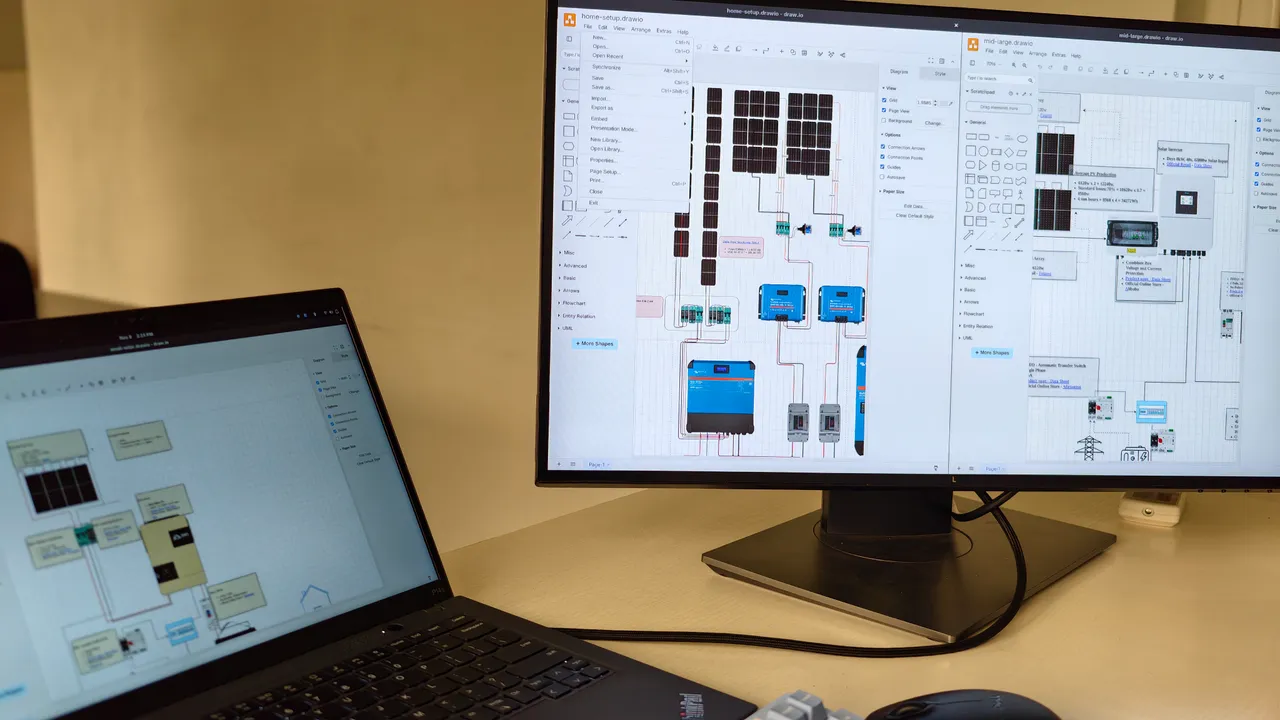
This post is about my latest attempt at an answer.
Standing on the shoulders of giants
I did not get here on my own. Where I am today is the result of standing on the shoulders of giants.
When I was starting out, I lived on forums. I asked questions, then more questions, then questions about the answers. And people I had never met took their time to explain concepts I had no business understanding. They broke things down until I got it.
So for me, sharing what I know is simply giving back to the community that taught me.
Why I didn't just open-source my system
My initial plan was simple: completely open-source Project Anor, my home solar installation (named after Anor, the Elvish word for the sun in The Lord of the Rings). I wanted to publish every part, cable size, combiner box, and setting on my wall so anyone could replicate it.
Some minutes before 9 to 5 starts..but before I switch into work mode.. I just finished something I have been working on for years..
— Othell Yarwyck (@bigbrovar) November 9, 2026
A complete 100% open source of my solar setup. Including detailed schematics, component I used down to every MCB and alternative you can use.… pic.twitter.com/t2smxdoZIS
The Rabbit Hole that became - Solar Budget Planner
So I did something different, and it turned into a proper rabbit hole. The question behind the question is usually about money. "If I have this amount, can I get solar?" I decided to build something that answers exactly that. I decided to build an interactive platform that bridges the gap between my own setup and what a homeowner starting from zero actually needs.
I took the lessons from my own build and created four clean-sheet, standardized system designs across different budgets and load brackets:
How to use it
Start at project.anor.openculture.org.ng. It takes about two minutes.
- Tick what you want to power. Bulbs, fans, TV, fridge, pumps, air conditioners. Set how many of each you have and how many hours a day they run. If you are not sure what your appliances draw, my post on doing an energy audit shows how to add it up.
- Set your budget. Type a figure or tap one of the presets.
- Read your result. The panel shows your running load, your start-up surge and your energy use per day, then names the smallest design that covers all three. It also shows how that design's reference price compares with your budget.
- Open the dashboard for that design. Click any part on the schematic to see its specs, why I chose it and where to buy it. The top bar takes you to how the panels are strung, what goes inside each combiner box, the battery settings and the sizing checks.
- Share it. The Copy link button gives you a link with your exact load in it. Send it to your installer, or to whoever is paying.
Two things to keep in mind. The prices are a reference from public listings in Nigeria. They change often and do not include the installer's charge. And the limits are conservative on purpose: an efficient load is cheaper than generating more power.
If your load is bigger than the largest design, or you need three-phase, the guide will tell you it is out of scope.
A Quick Note on 1:1 Consulting
If your load goes beyond 16 kW, requires three-phase power, or you just want dedicated private help, you will notice a booking link for a paid 1:1 consultation on the out-of-scope screen.
To be honest, I built that payment page over a year ago and sat on it because I was hesitant to charge for something I love doing pro bono. However, my time is stretched thin by my day job, and my DMs are constantly full of people asking if they can pay just to get dedicated time on my calendar for private reviews. The paid link is strictly there for people who want a private, deep-dive session or have a larger build. Nothing else changes: if you ask me questions in public or in the community, I am still always around to answer for free.
What is Next
Building this platform took a lot of late nights, with Claude doing heavy lifting alongside me to turn the YAML hardware definitions and diagrams into self-contained interactive dashboards. In a future post, I will open-source the dashboard codebase itself and walk through how the static build pipeline and interactive schematics work under the hood.
For now, head over to project.anor.openculture.org.ng, play with the planner, and explore the dashboards. I hope it genuinely helps someone build a safer, smarter solar system.